Introduction
The webhook system allows receiving user data in near real-time.
Types of events
- Upsert - a new user was created or an existing user was updated
- Delete - a user was deleted (usually due to GDPR request)
Configuration
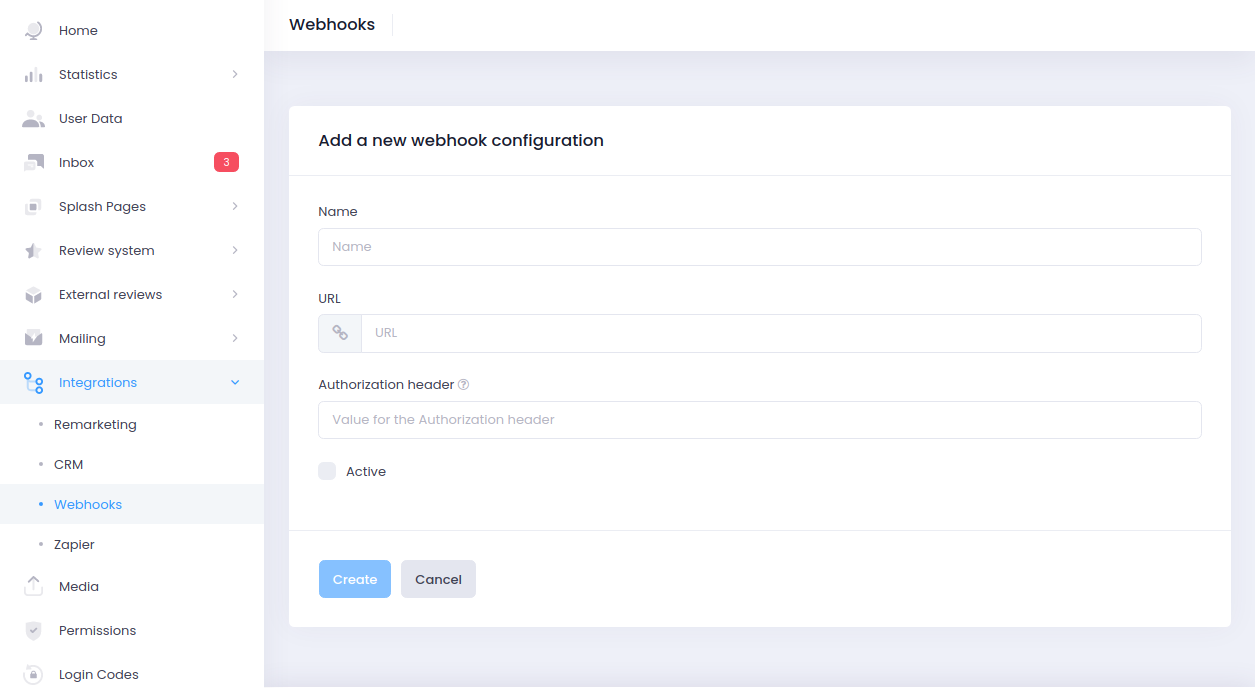
In the client panel, you need to set two values:
- A URL to the endpoint which will consume the data
- (optional) The value of the
Authorizationheader. It’s usually a token or basic auth credentials which protect the endpoint specified in point 1
Authentication
Every request has the Authorization header set to the value provided in the
panel.
Time limits
Social WiFi expects each request to be processed below 2 seconds. If that time limit is exceeded, the connection is closed.
Responses, errors, failures
Social WiFi ignores response body or errors. We do log them internally though, so they’re available for a few days. You can contact the support team in case of problems with integrating with us.