Authentication
There are two ways to authenticate with Social WiFi API: with Personal
Access Token or with an OAuth 2.0 application that uses one of OAuth
authorization flows. Either way, an access token has to be obtained and used
in the Authorization header with each request.
Personal Access Token
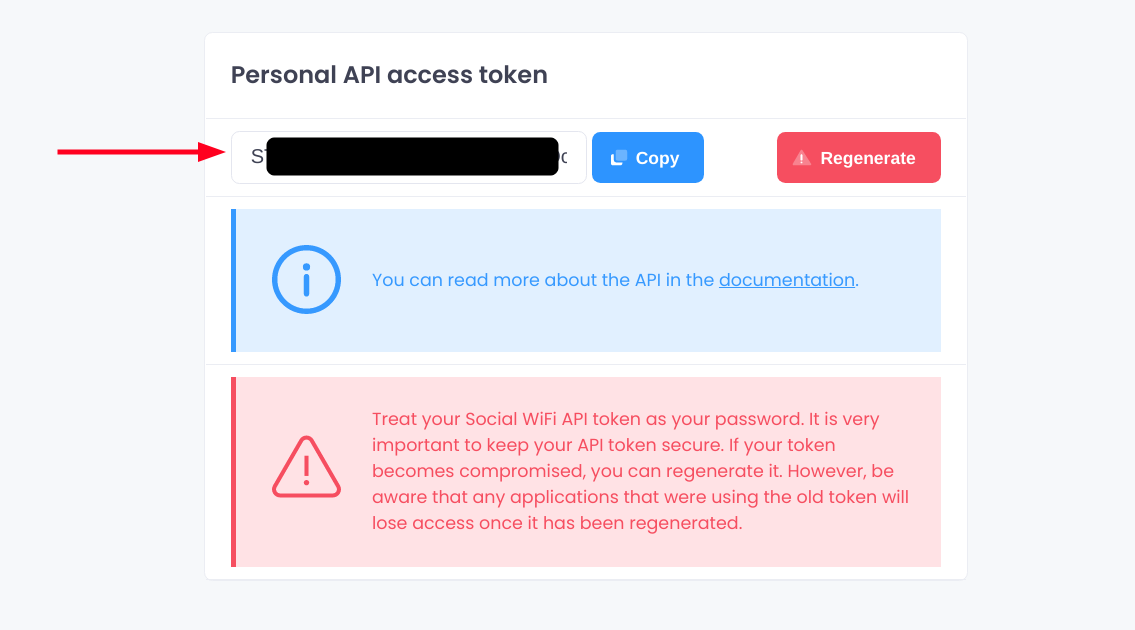
This is the easiest way to start using the REST API. The obtained token will have the same access as your account. You can find the token in your account settings here.
If you don't see the "Personal API access token" section, it means we need to enable the API access for your account first. Don't worry, it's free, just reach out to us.
OAuth 2.0
Currently, creating OAuth 2.0 clients is invite-only. Please reach out to us directly to register your client. Please note, that the recommended authorization flow for server application is the "Authorization Code Flow".